Budget Tracker Documentation
Getting Started
How to Create a Budget Tracker Account
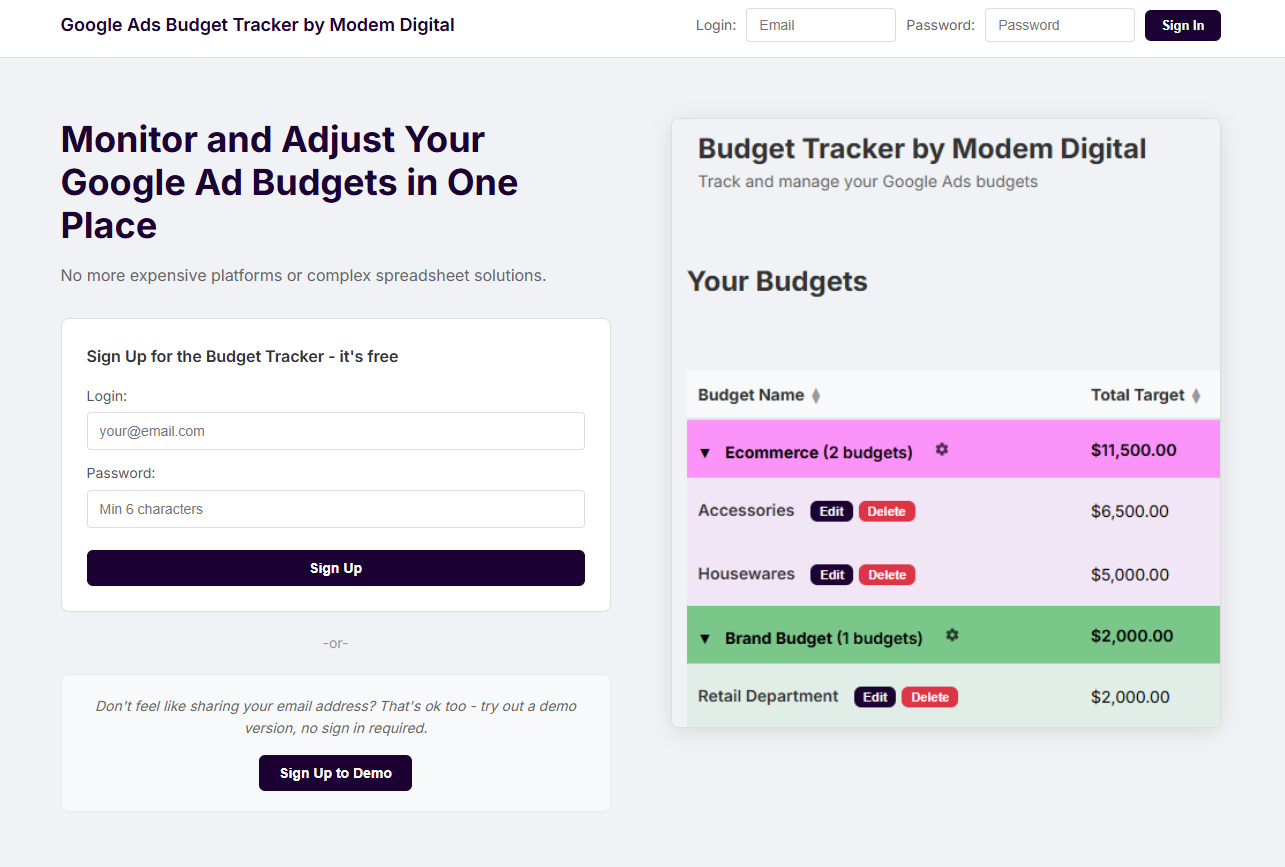
Go to the landing page and enter your email and a password of your choice to create an account. Unlike demo accounts (see below), these are permanent accounts with persistent memory of any budgets you create. You can also link these accounts to a Google user account. Once connected, you can import Google Ad performance data from any linked Google Ad accounts into the Budget Tracker. Any campaigns with any impression data in the current period can be assigned to any budget you create in the budget tracker.
Demo Accounts
Prospective users can test out the UI of the Budget Tracker without providing their email by trying out a demo account. Demo accounts are temporary accounts that can't connect to Google Ad accounts and can't be signed into more than once. Instead, several campaigns with randomly generated performance data are created. Users can use this example data to see how spending data is presented in the budget tracker and how campaigns can be added to budgets and budget groups.
Demo accounts are automatically deleted a short time after they are created, so if you want to try out a demo account more than once you will have to create a new demo account.